

Flying broom AI video
Flying broom AI is the 'my ride is here' Halloween trend: you, or your pet, take off on a broomstick across a full moon. Upload one photo, confirm the 5-credit price and download a vertical MP4.
- 1 person or pet
- 5 s
- 9:16
- silent
Add one person or pet photo
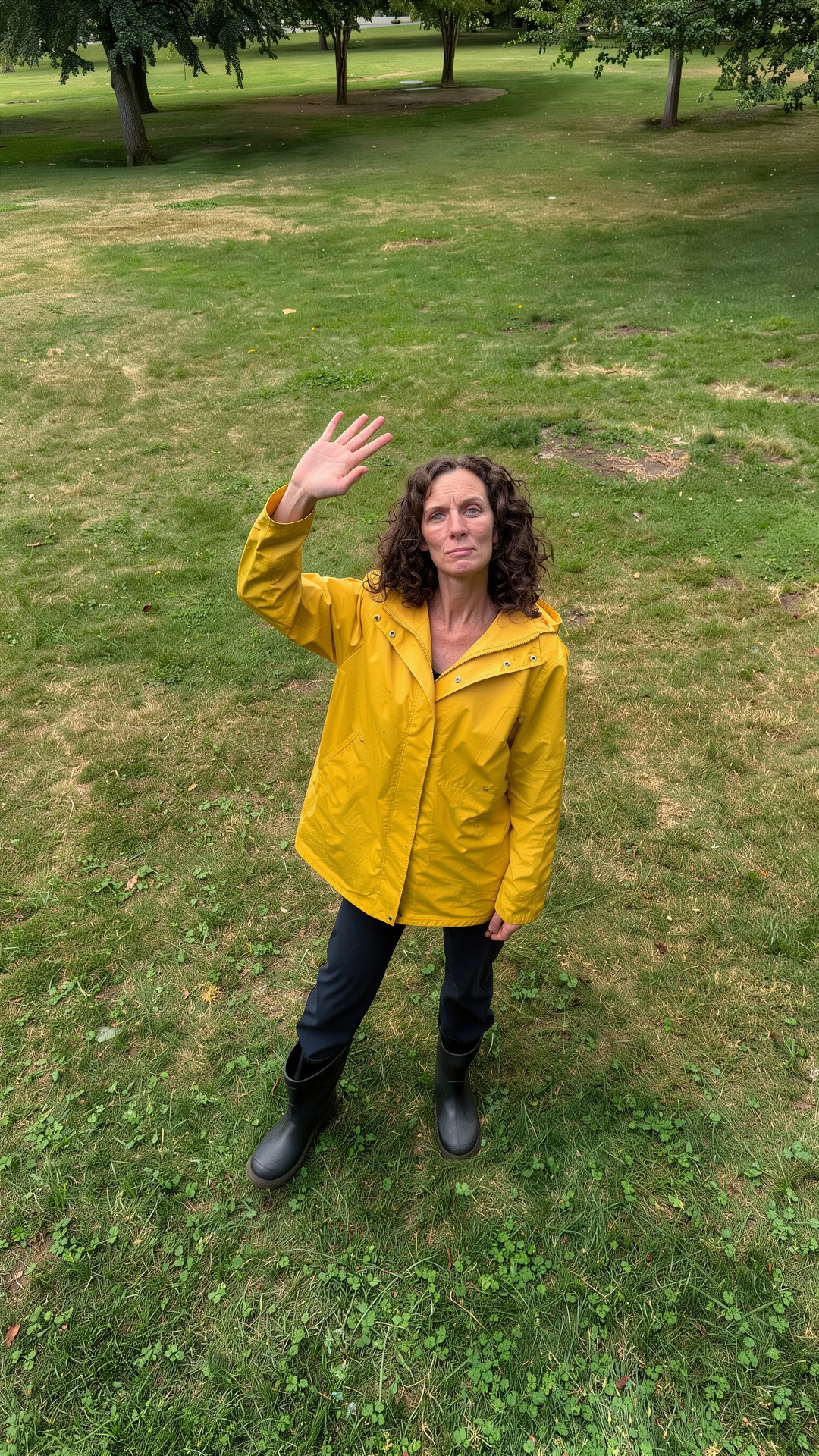
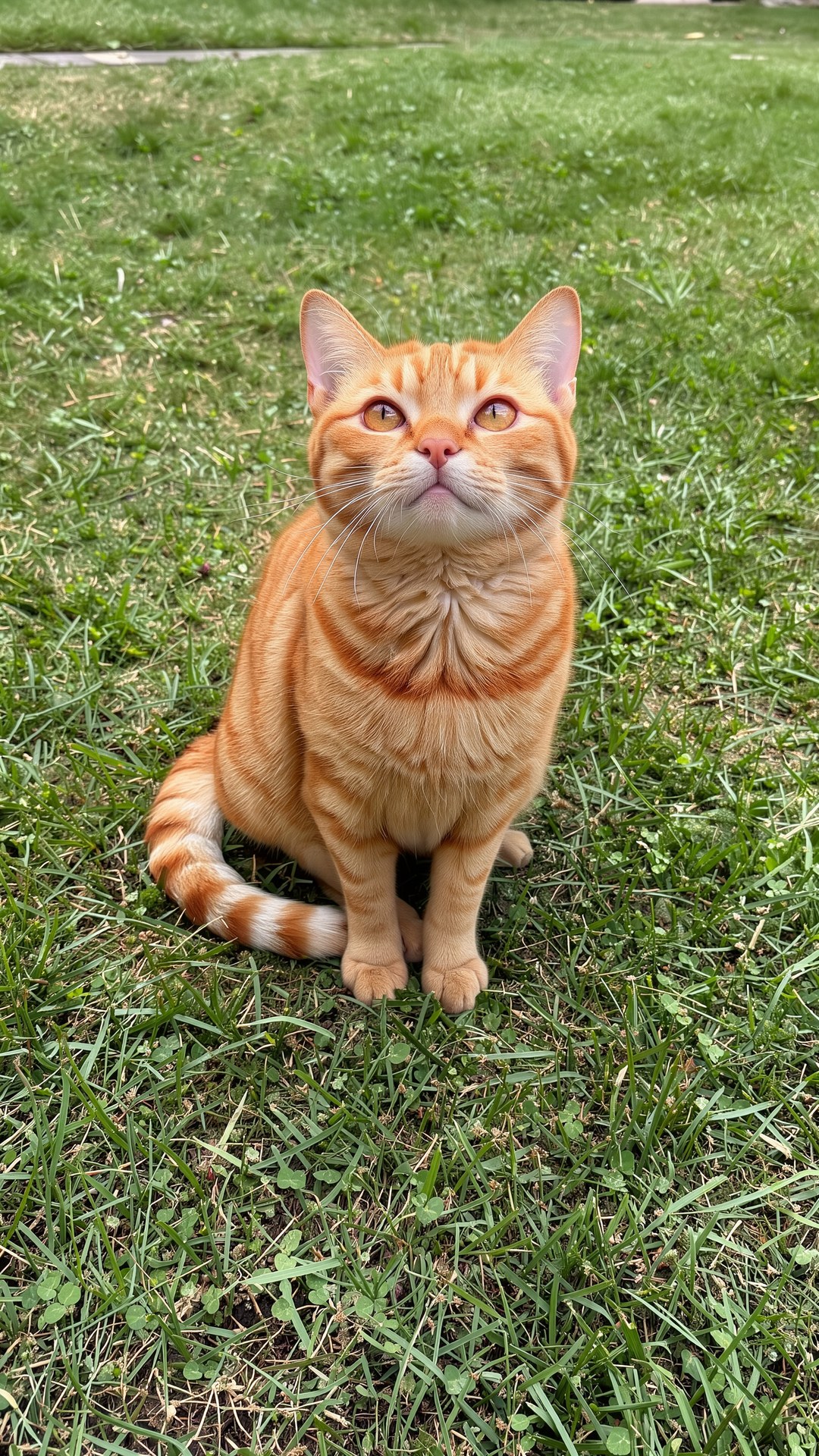
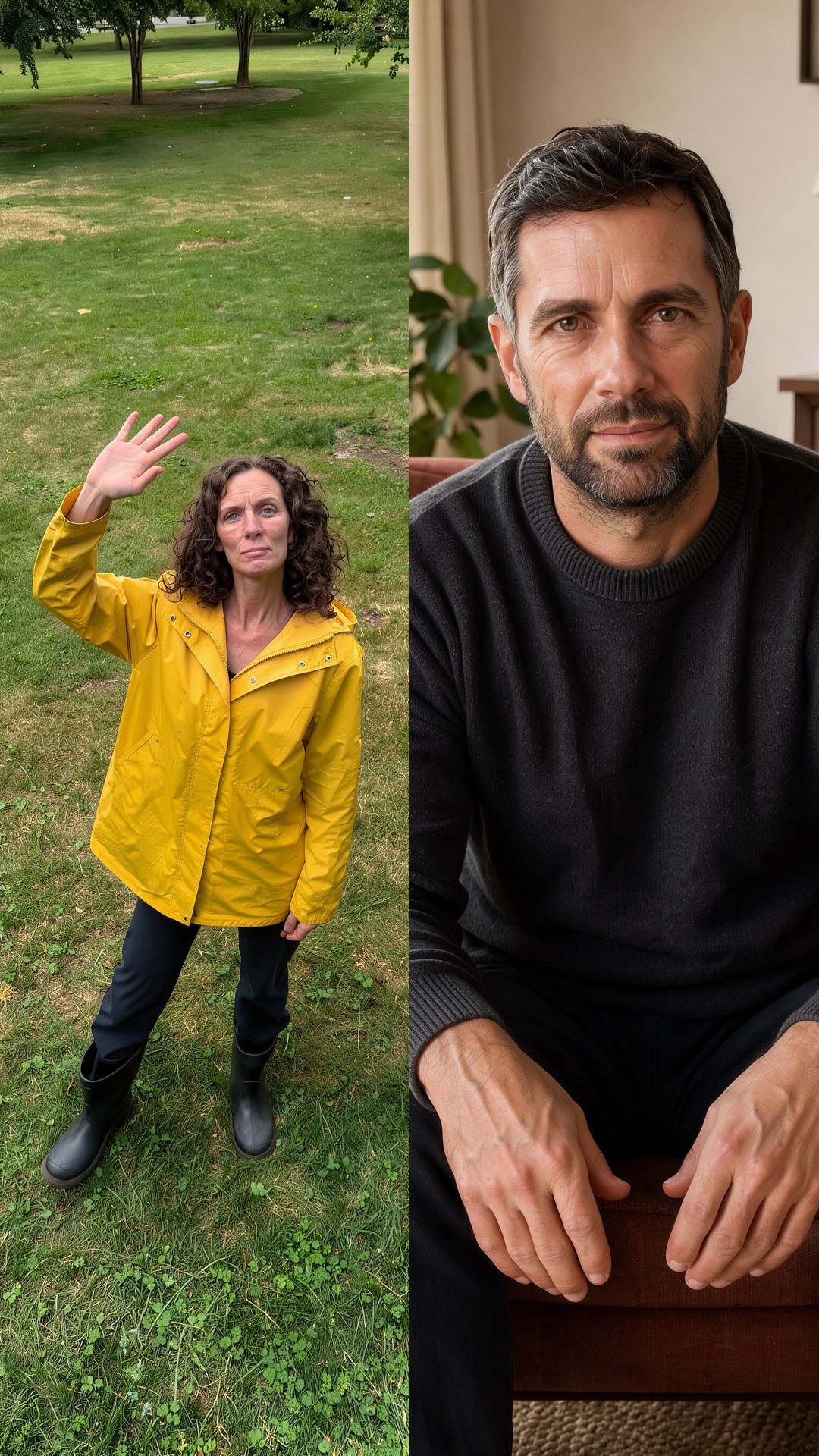
5 credits per video · 5-second MP4 · 720p
Use one clear photo of one person or one pet.
Tip: one clear, front-facing person or pet works best.
Your flying broom AI video
Your video and progress will appear here. You can leave this page and return to the same task.
How to make a flying broom AI video
1. Upload a clear photo
Use one person or pet, clearly visible.
2. Press Generate
Confirm the 5-credit price first.
3. Download the MP4
Find your 5-second silent video in My videos.
What is Flying Broom?
The template seats the subject from your photo on a broomstick, then animates the take-off and a short flight over rooftops at night. Witch hats and capes are generic, with no film or book characters.
Photo tips for flying broom AI videos
Photos that work best
One person or one pet, full body or waist up, clear outline.
Photos to avoid
Group photos, busy backgrounds that hide the outline.
Flying Broom FAQ
What is the 'my ride is here' trend?
A Halloween joke where a broomstick shows up and you fly away on it. AI Genjutsu makes that flight from one photo.
What photo should I upload for a flying broom AI video?
Use one sharp, evenly lit photo of one person or one pet, one subject per photo. Works best: one person or one pet, full body or waist up, clear outline. JPEG, PNG, WebP or iPhone photos (HEIC/HEIF) up to 10 MiB per photo work, at least 300 px on each side.
How much does Flying Broom cost?
5 credits per video, shown before you generate. A 10-credit pack costs $1.99 (excluding tax) and covers two videos.
What do I get?
A 5-second, 720p, vertical 9:16 MP4 without sound, made with Kling 2.6 and Seedream. Download it from My videos and add your own music when you post.
Can my cat fly on the broom?
The template accepts one pet photo. Keep the face and body clearly visible; results vary with the photo.
Is this based on a wizard movie?
No. It uses a generic witch broom and moonlit town, not any book, film or school of wizardry.
How much of the subject should be visible?
Show the full body or the upper body with a clear outline. Busy backgrounds can hide the pose needed for the broom scene.
What if my flying broom AI video fails?
Your 5 credits come back automatically. A successful video you don't like is not refunded, so check the photo tips first.