

AI aging filter video
The AI aging filter shows you aging gracefully decades into the future in one smooth video. Upload one photo, confirm the 8-credit price and download a 1080p vertical MP4.
- 1 person
- 5 s
- 9:16
- silent
Add one person photo



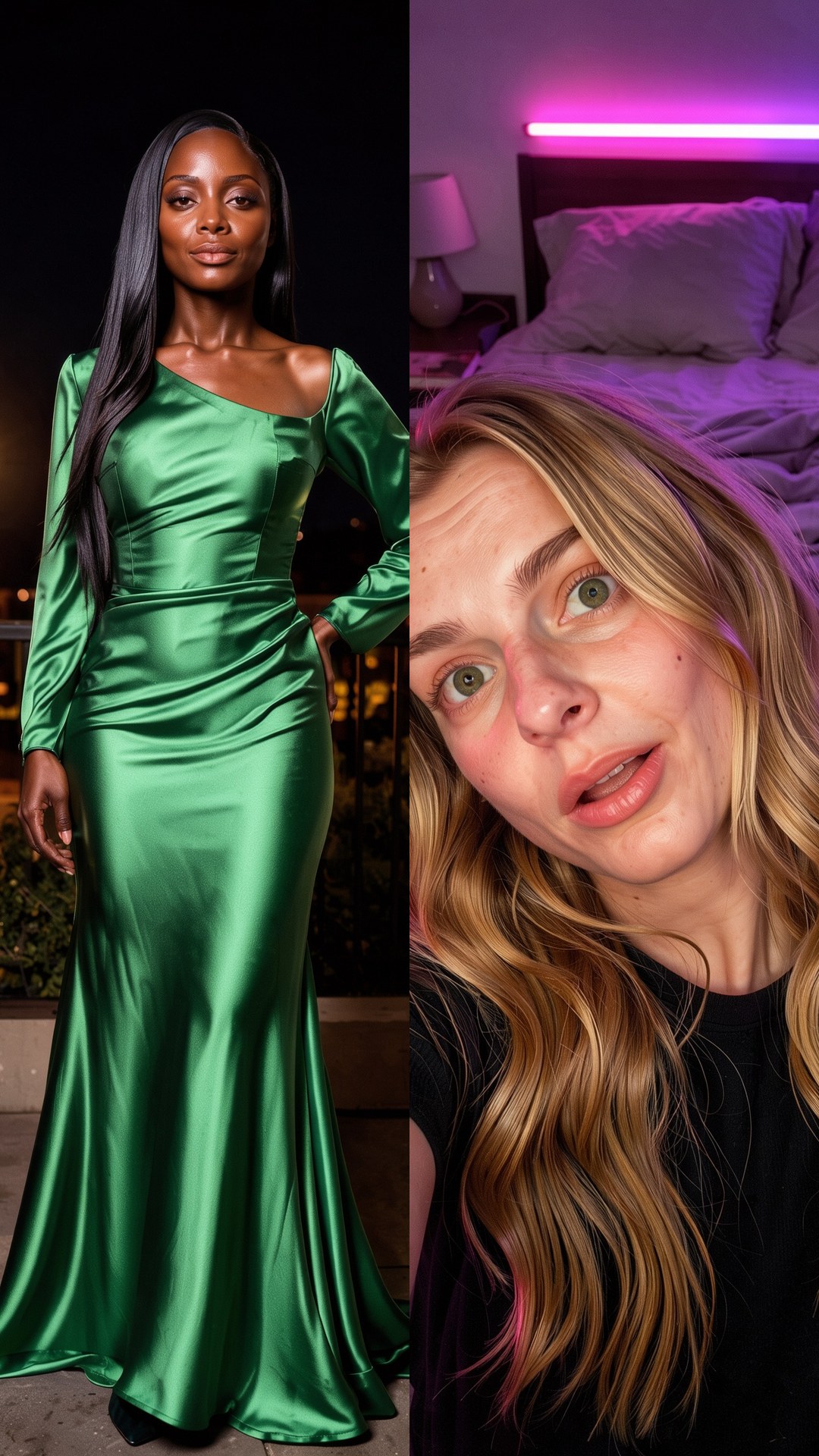
8 credits per video · 5-second MP4 · 1080p
Use one clear photo of one person.
Tip: one clear, front-facing person works best.
Your AI aging filter video
Your video and progress will appear here. You can leave this page and return to the same task.
How to make an AI aging filter video
1. Upload a clear photo
Use one person with a clear face.
2. Press Generate
Confirm the 8-credit price first.
3. Download the MP4
Find your 5-second silent video in My videos.
What is AI Aging?
The template creates an older version of your face, then animates a smooth transition from today's you to the older you.
Photo tips for AI aging filter videos
Photos that work best
One person, face forward, even light, no sunglasses.
Photos to avoid
Group photos, heavy filters, faces partly covered.
AI Aging FAQ
How accurate is the AI aging filter?
It is for fun, not a prediction. The older look is an AI impression and isn't medical or scientific.
What photo should I upload for an AI aging filter video?
Use one sharp, evenly lit photo of one person. Works best: one person, face forward, even light, no sunglasses. JPEG, PNG, WebP or iPhone photos (HEIC/HEIF) up to 10 MiB per photo work, at least 300 px on each side.
How much does AI Aging cost?
8 credits per video, shown before you generate. A 40-credit pack costs $5.99 (excluding tax) and covers five videos.
What do I get?
A 5-second, 1080p, vertical 9:16 MP4 without sound, made with Kling 2.6 Pro and Seedream 5.0 Flash. Download it from My videos and add your own music when you post.
Can I choose the target age?
The template uses a fixed older look. There is no age setting to choose; the AI impression varies with the photo.
Why is it 8 credits?
It uses a two-frame 1080p video step that costs more than the 5-credit templates.
What if my AI aging filter video fails?
Your 8 credits come back automatically. A successful video you don't like is not refunded, so check the photo tips first.