

How to Make a Pet Dance Video From One Photo
Choose a clear cat or dog photo, use the AI Pet Dance template, and download a short vertical MP4 to save or share.
Use the AI Pet Dance template to turn one photo of your cat or dog into a short dancing-pet clip. Choose a suitable picture, sign in, upload it and generate the video. You can then download an MP4 to save or share, with music added separately if you want it.
Choose one clear pet photo
Pick a photo of one cat or dog, with the face and body visible. Look for clear details and even light, and avoid a picture where your pet is blurred or cut off. The starting photo must not contain people or multiple pets.
Check the file before uploading:
-
Both width and height must be at least 300 pixels.
-
The file must be no larger than 10 MiB.
-
The page lists JPG, PNG, WebP or an iPhone photo as accepted inputs.
If you have several pictures to choose from, start with the one that shows your pet most clearly. Keep it available so you can compare your pet’s appearance with the finished clip.
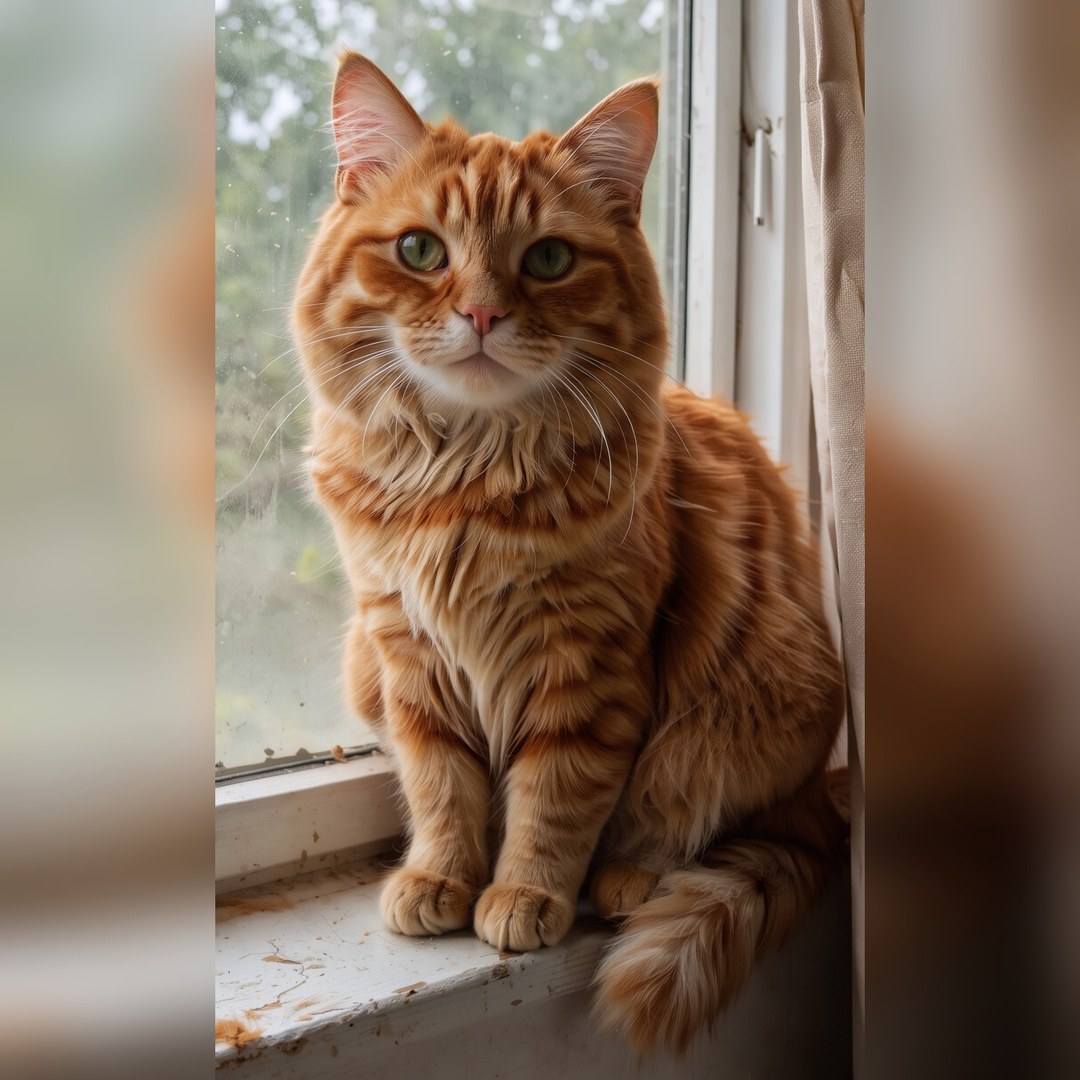
One pet, clear details and even light. This existing AI-generated photo is an illustrative example.
Sign in and upload your photo
-
Open the AI Pet Dance template.
-
Select Sign in and sign in to your account before uploading or generating.
-
Find Starting photo (required) and add the photo you chose.
-
If a file validation message appears, correct the issue it names and upload a suitable image.
The template uses a fixed dance effect. There is no freeform prompt to write, and it does not offer custom choreography or soundtrack controls. Your main choice at this stage is the starting photo.
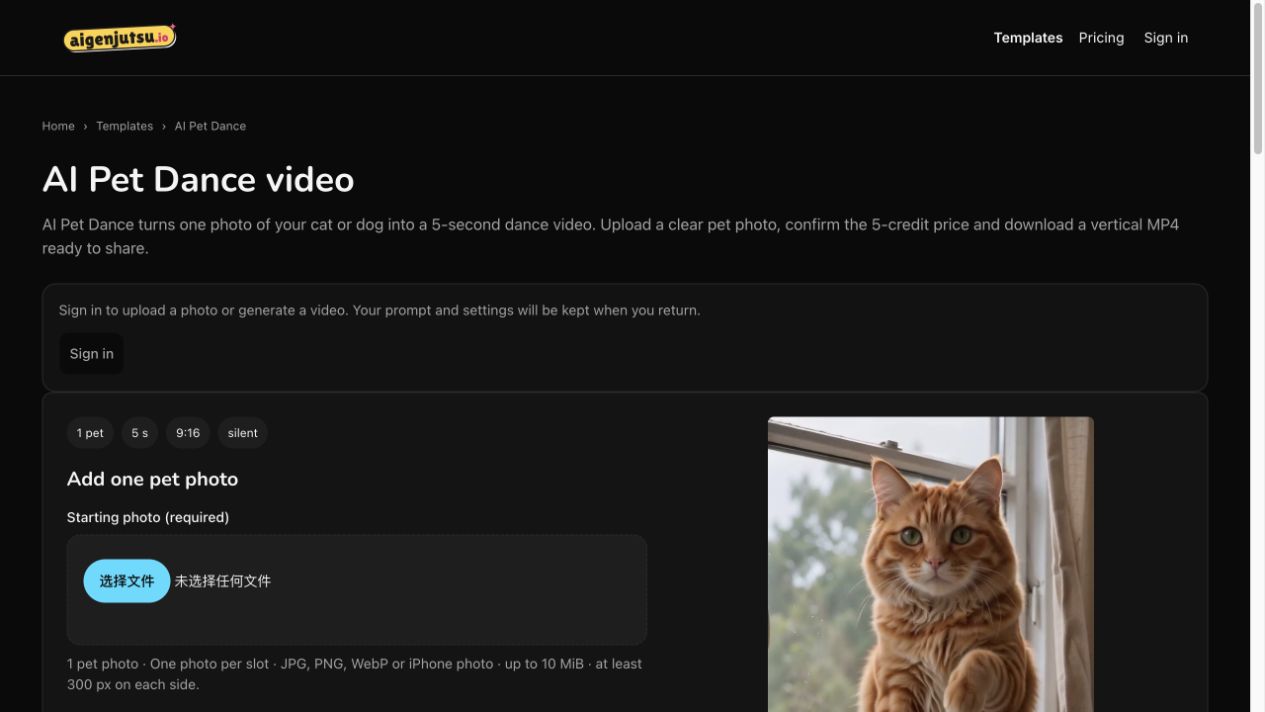
The AI Pet Dance page shows the photo requirements before generation. Sign in to add your photo.
Generate and watch the clip
-
Review the displayed price, currently 5 credits, and make sure the format suits what you want to share. The current output is 5 seconds, vertical 9:16, 720p and silent.
-
Select Generate when you are ready.
-
Watch the page for progress, then review the completed clip in Your AI pet dance video when it is available.
Watch the whole clip and compare the face and body with your original photo. Check whether you are happy with your pet’s appearance and movement before sharing. The preview and illustrative photo do not guarantee how your clip will look, and details of your pet may change.
Download and add music if you want
-
Open My videos while signed in to the account you used for the request.
-
Find the completed clip and download the MP4.
-
For a soundtrack, open the downloaded file in a video editor and add music there.
When editing, keep the vertical framing in mind so your pet stays visible. Preview any edited version before sharing, particularly if you have added text or changed the crop. You can also share the silent MP4 as downloaded.
If you get stuck
If you cannot add a photo, check that you are signed in. For a rejected file, follow the validation message and recheck the photo requirements above.
If you cannot find a completed clip, check My videos in the account used for generation. If the result changes your pet’s appearance too much, consider trying a clearer source photo; exact resemblance is not guaranteed.
Disclosure: Substantively AI-generated for the AI Genjutsu site operator and independently edited and fact-checked against the supplied facts by Codex AI. Interface and official information checked 8 November 2026. Existing screenshot and AI-generated illustrative photo; no new generation was run for this guide.